(First off, sorry for the long winded post title. It is basically what I google every time I’m trying to remember the functionality.)
Let’s say you have a directive that allows a user to enter data. When that user is done entering data, the directive processes the data, then sends the result back up to the parent. If we were to do this with two-way data binding, we’d have to set up watchers to know when the values were changed. There is a way to do it without the watchers though. We can use the parent scope binding type: “&”.
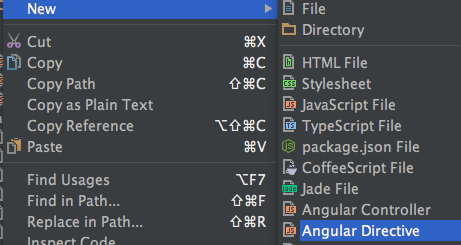
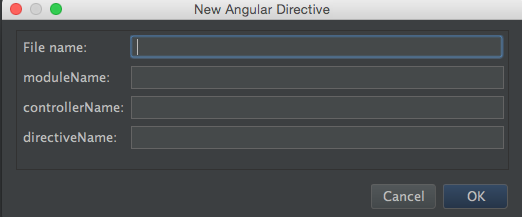
If you’re like me, you find yourself rewriting a lot of boilerplate code with Angular. Especially when creating new files. I just started using templates in WebStorm and it is quite the time saver!
Here’s my first one I use for creating a new directive. This utilizes the bindToController feature of directives for Angular 1.3+.
This file contains hidden or bidirectional Unicode text that may be interpreted or compiled differently than what appears below. To review, open the file in an editor that reveals hidden Unicode characters. Learn more about bidirectional Unicode characters
When creating an AngularJS directive, most of the time we want to pass some sort of data to that directive where it is implemented. Of course, Angular gives us multiple ways to do so. Let’s try to make sense of the different binding types: “@”, “=”, and “&”.
 Adam Weeks